
ConfettiYeti
ConfettiYeti throws confetti across your whole screen, over every display and even over full-screen apps, for any moment worth marking. It does one thing and gives you a lot of control over it. It lives in your menu bar and never gets in your way: the confetti is click-through and lasts a few seconds.
This is a Mac app. Open this page on your Mac to get it.



Make it look the way you want
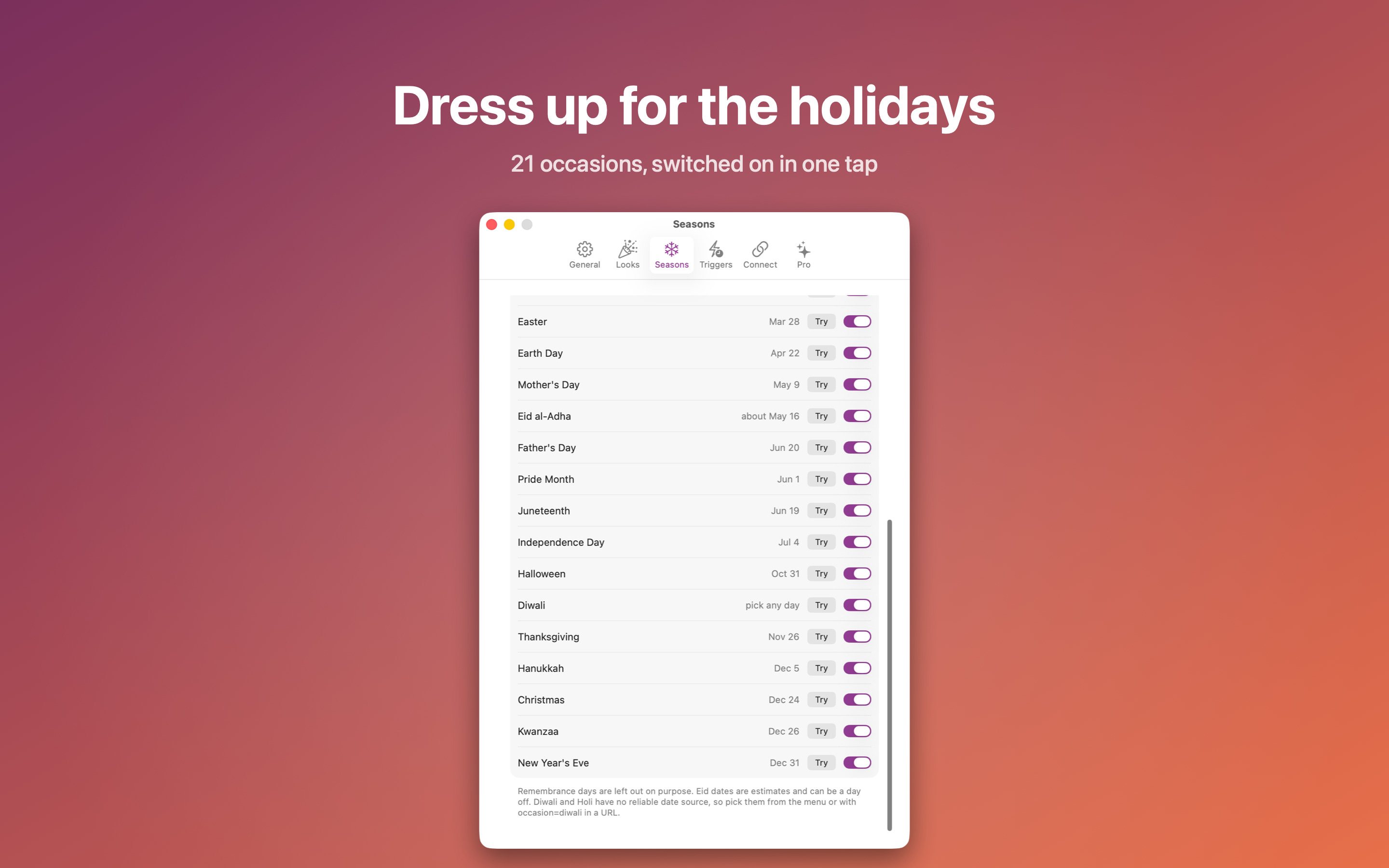
Sixteen sequences, twenty kinds of pieces (small matte confetti, foil, glitter, snowflakes, petals, hearts, shamrocks, pumpkins, eggs, stars, balloons, your own emoji and more), 37 themes or your own colors, gravity, size, amount, spread, power, wind, lifetime, your choice of sound, and holiday and seasonal looks for 21 occasions.
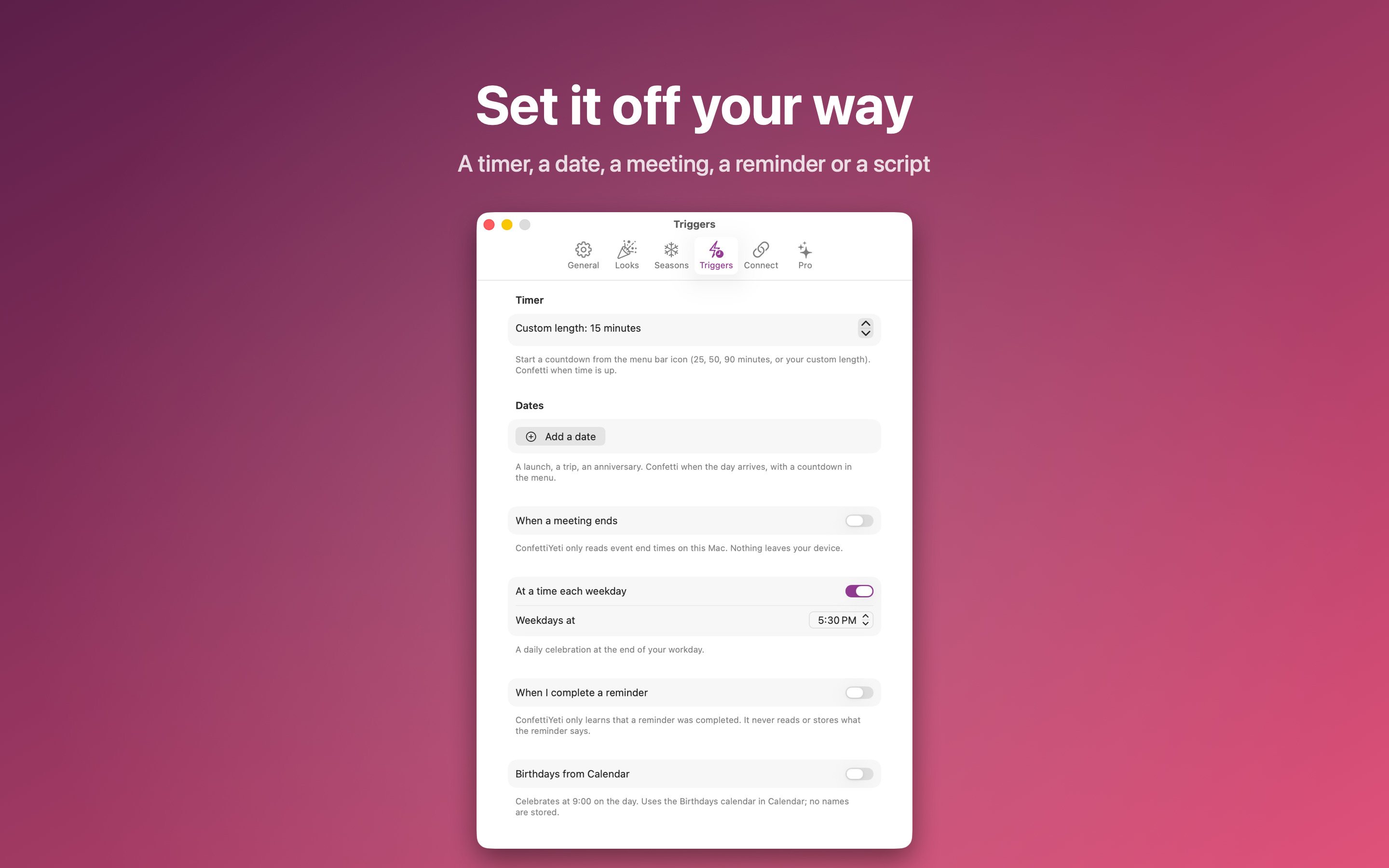
Set it off however you work
- A global hotkey or the menu bar icon
- A timer that celebrates when time is up
- A date you add, once or every year
- When a meeting ends, when you complete a reminder, on birthdays, or at the end of your workday
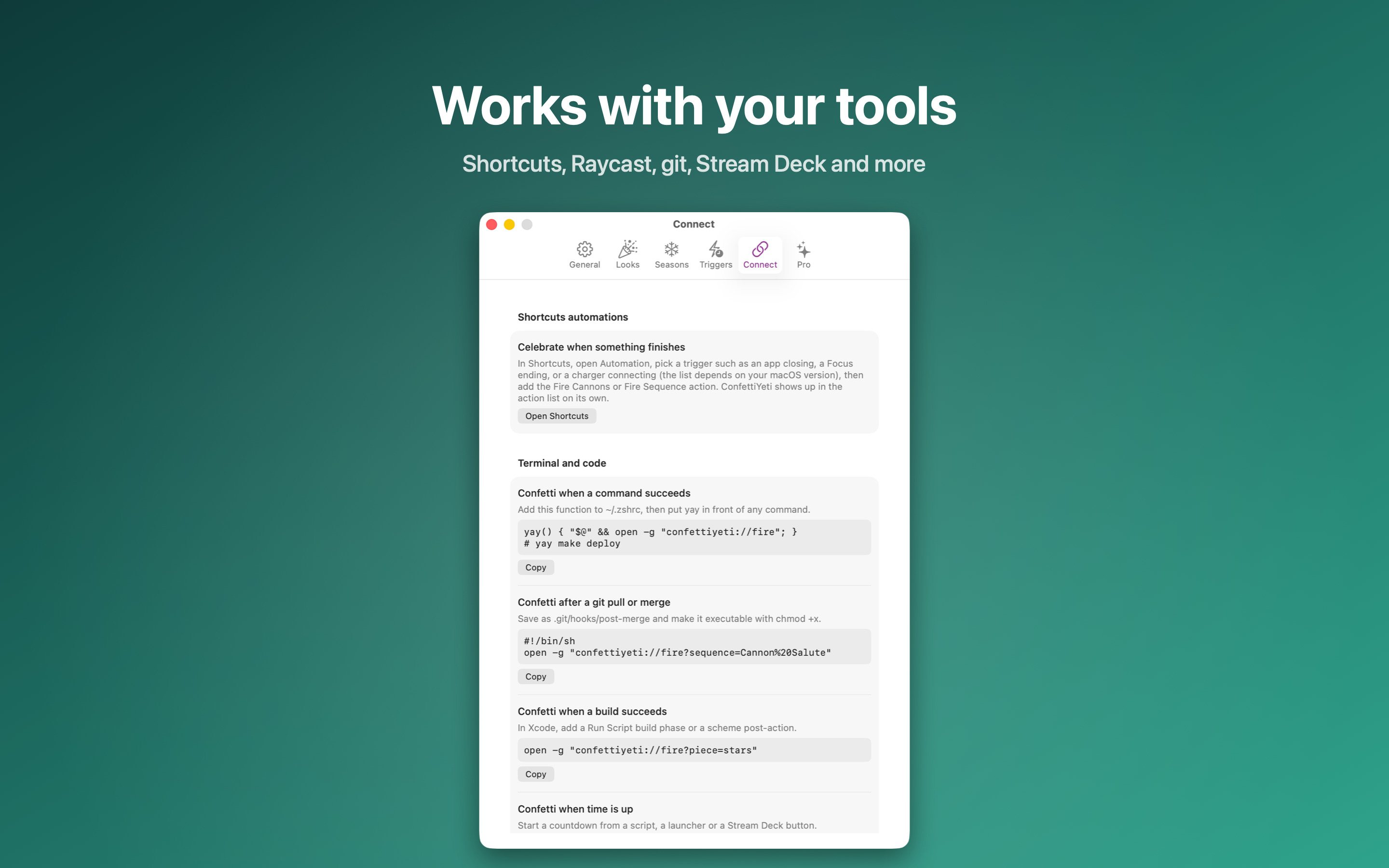
- From Shortcuts, AppleScript, a URL scheme, Raycast, Alfred, Stream Deck, git hooks and build scripts
Fair and private
ConfettiYeti is free to download. One optional, one-time purchase called ConfettiYeti Pro unlocks the automatic celebrations and the extra looks. There is no subscription, no account and no tracking, and nothing leaves your Mac.
On a work Mac
ConfettiYeti is sandboxed and installs from the Mac App Store. Calendar access is only used to spot the end of a meeting, and you can leave it off and fire confetti with a hotkey or timer instead. If your Mac is managed, your IT team controls whether App Store apps can be installed.
Requires macOS 14 or later. Submitted to the Mac App Store and in review.