
Swish Notch
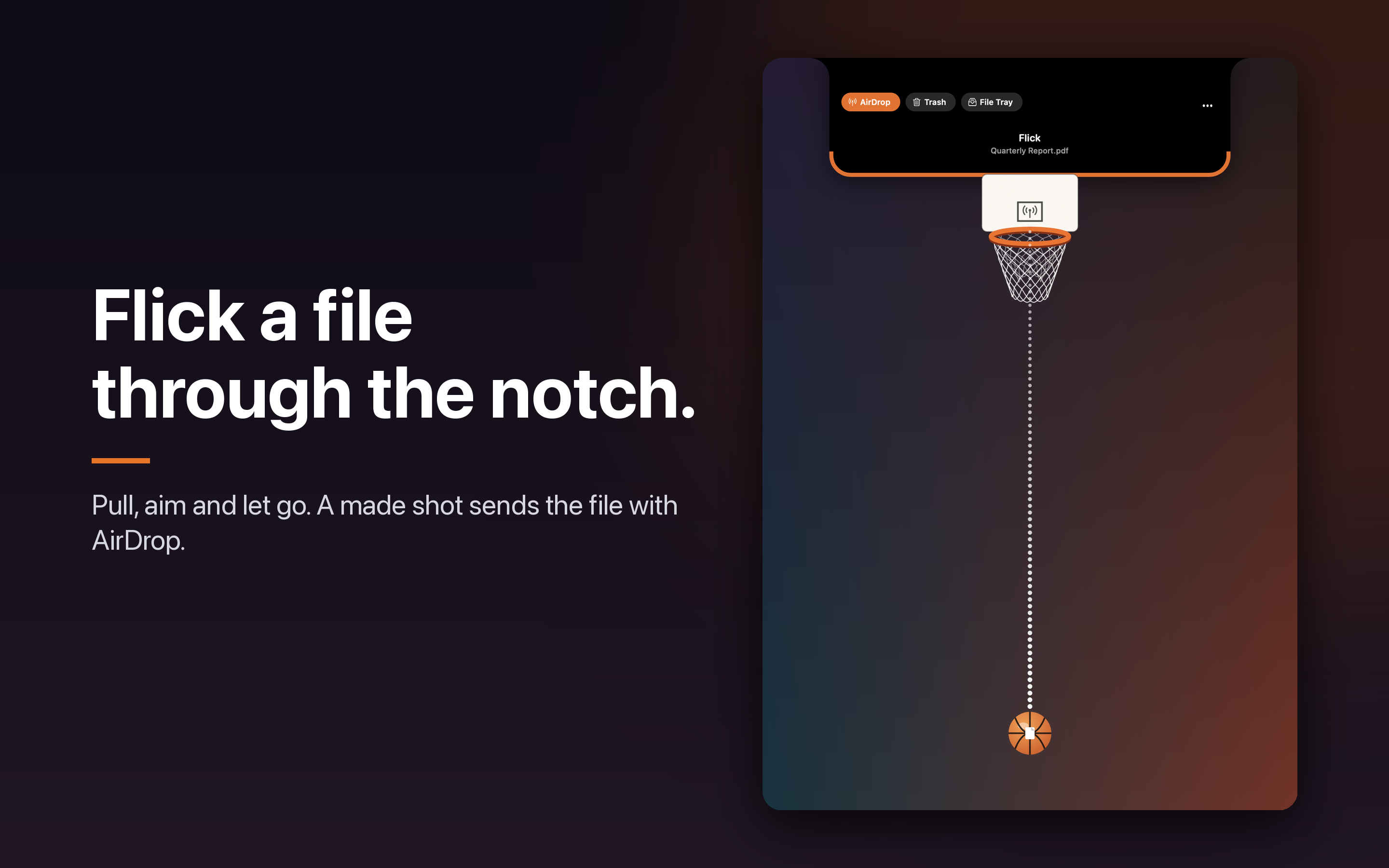
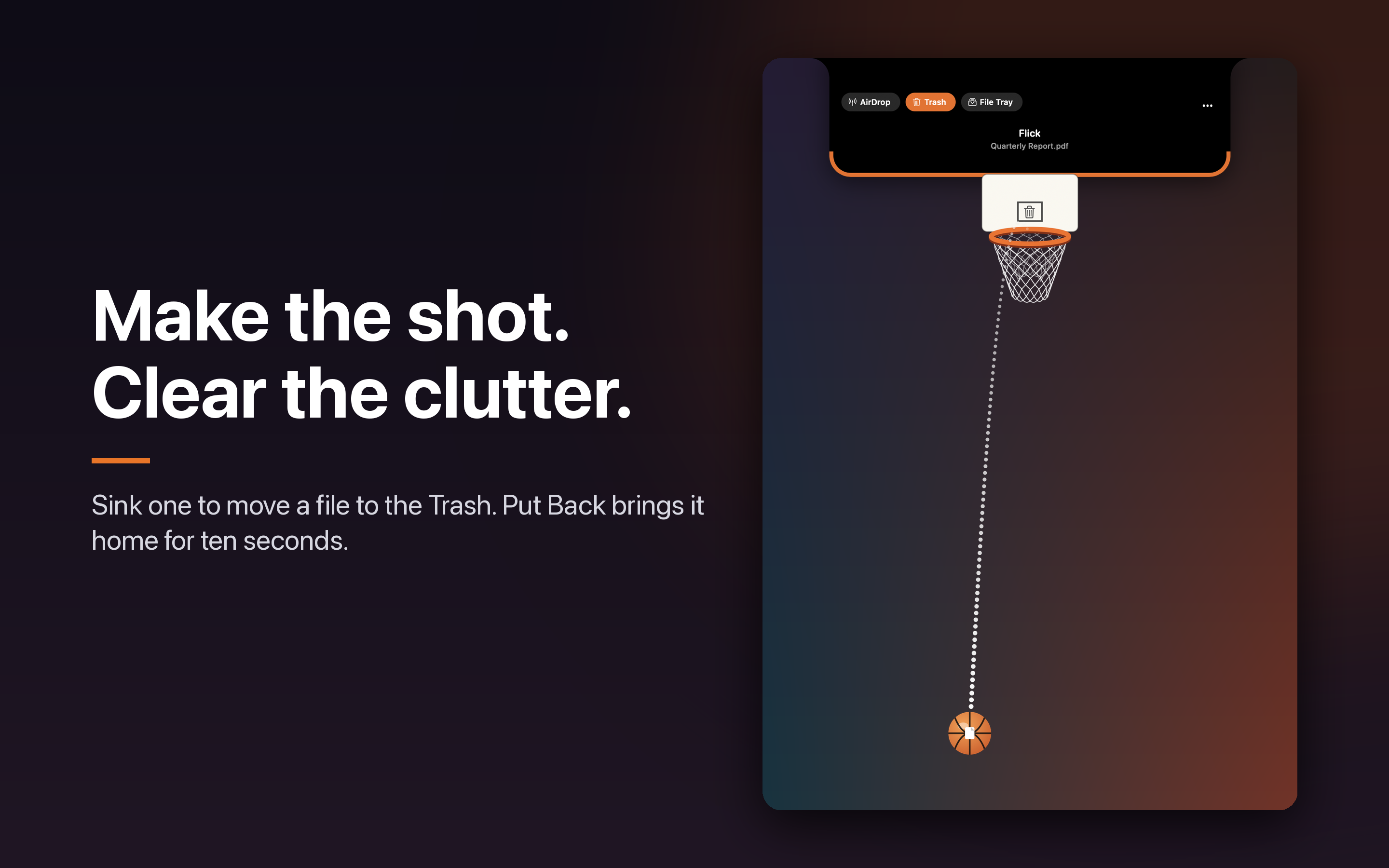
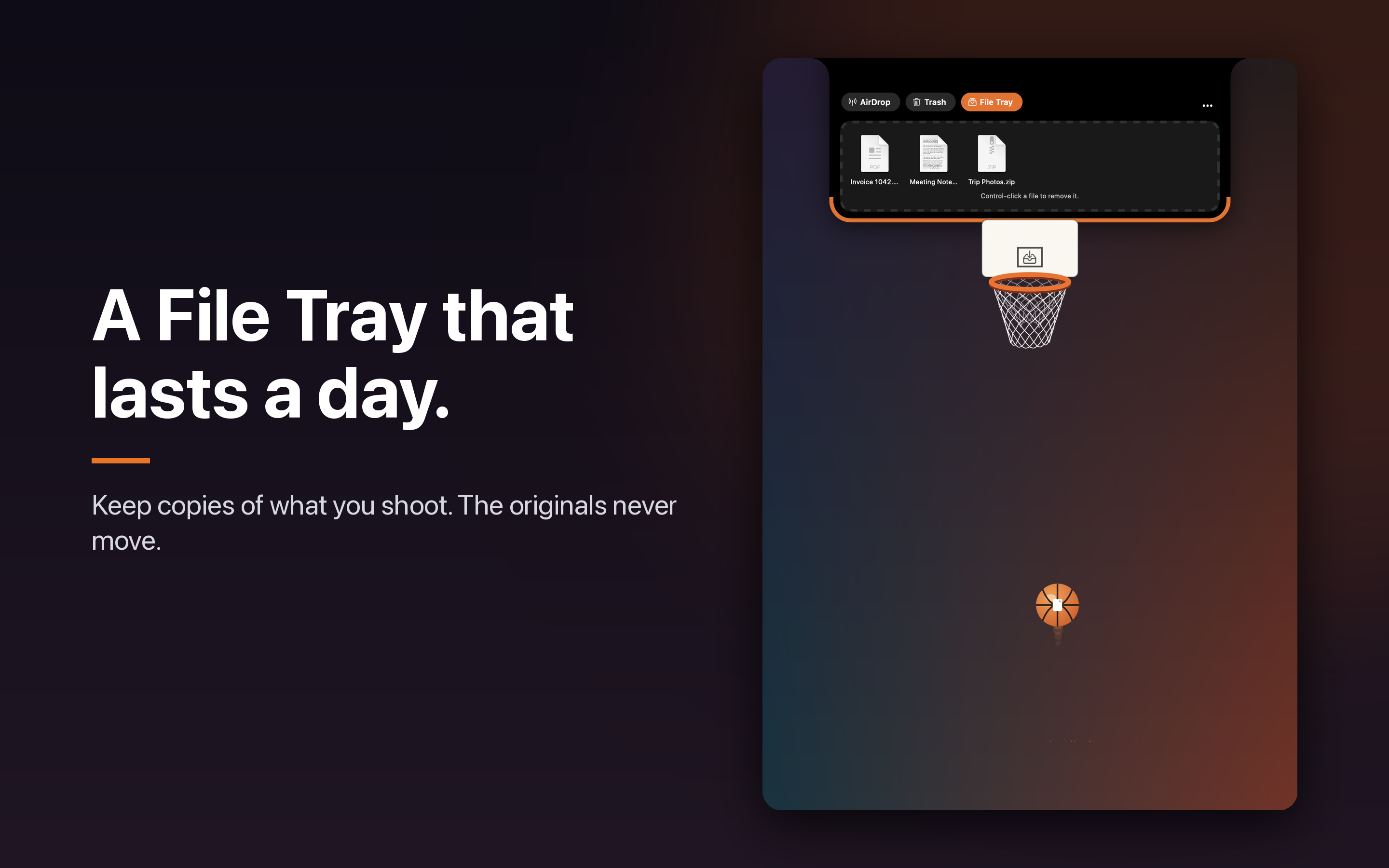
Swish Notch hangs a hoop on your Mac's notch. Pick a file and flick it up. A make sends it with AirDrop, moves it to the Trash, or keeps a copy in the File Tray. A miss leaves it where it was.
One payment, no subscription. For Mac, macOS 14 or later. Sold on the Mac App Store.
This is a Mac app. Open this page on your Mac to get it.
Watch it work
$4.99, one payment, no subscription
See it
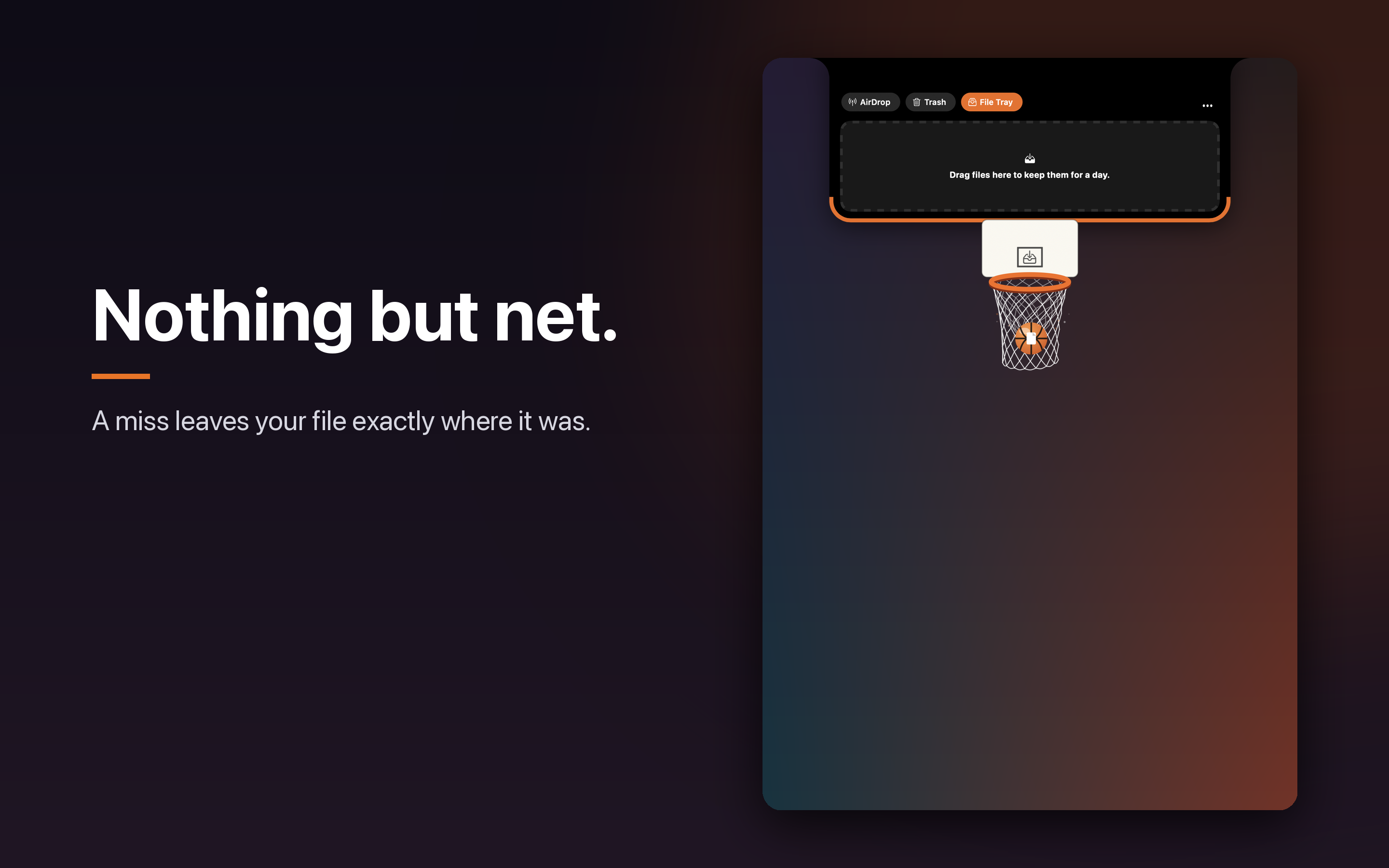
How it plays
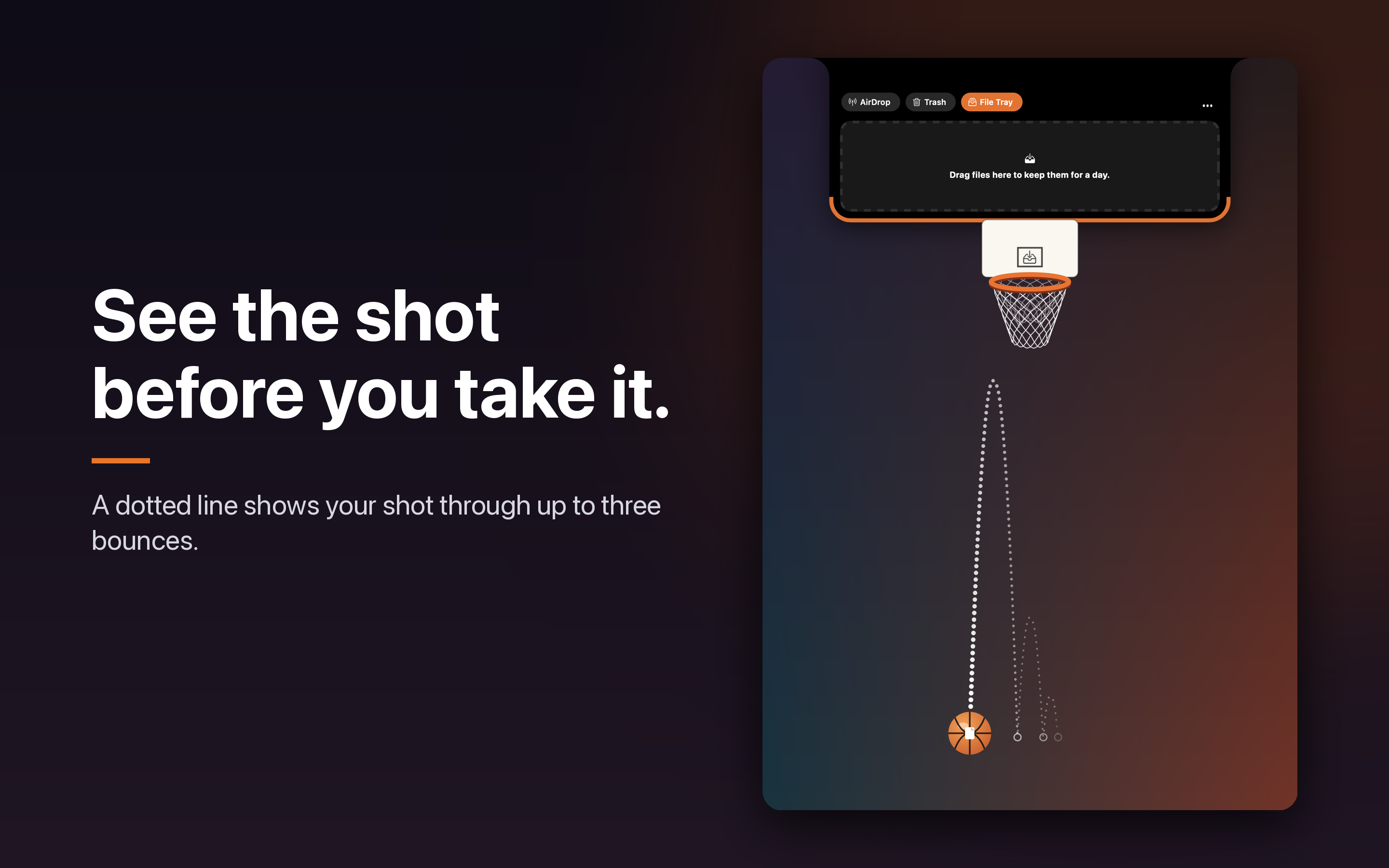
The ball is on the court as soon as you open it. Slide the ball sideways, then pull any way to shoot. A dotted line shows the shot through up to three bounces, and you can bank it off the screen edges for a trick shot. Hold Option for auto-aim, or turn on Easy Mode for a slower ball and a rim that never bounces. In Finder, select a file and choose Throw in Swish.
Designed for the MacBook notch. It plays on every Mac.
Safe with your files
- The file stays put until the shot goes in
- AirDrop, Trash and File Tray are one click in the notch. AirDrop is the default and the original stays on your Mac
- The File Tray keeps a copy for a day. The original stays
- Put Back restores a trashed file for about ten seconds
- Close, or press Escape, leaves the court and the file
Private
Nothing is uploaded. Swish Notch does not collect data.
On a work Mac
Swish Notch installs from the Mac App Store like any other app and runs sandboxed under Apple's rules. It has no network access, so nothing can leave your Mac. If your Mac is managed, your IT team controls whether App Store apps can be installed, so check with them first.
Swish Notch is on the Mac App Store. Get it there.