
Snap2Text
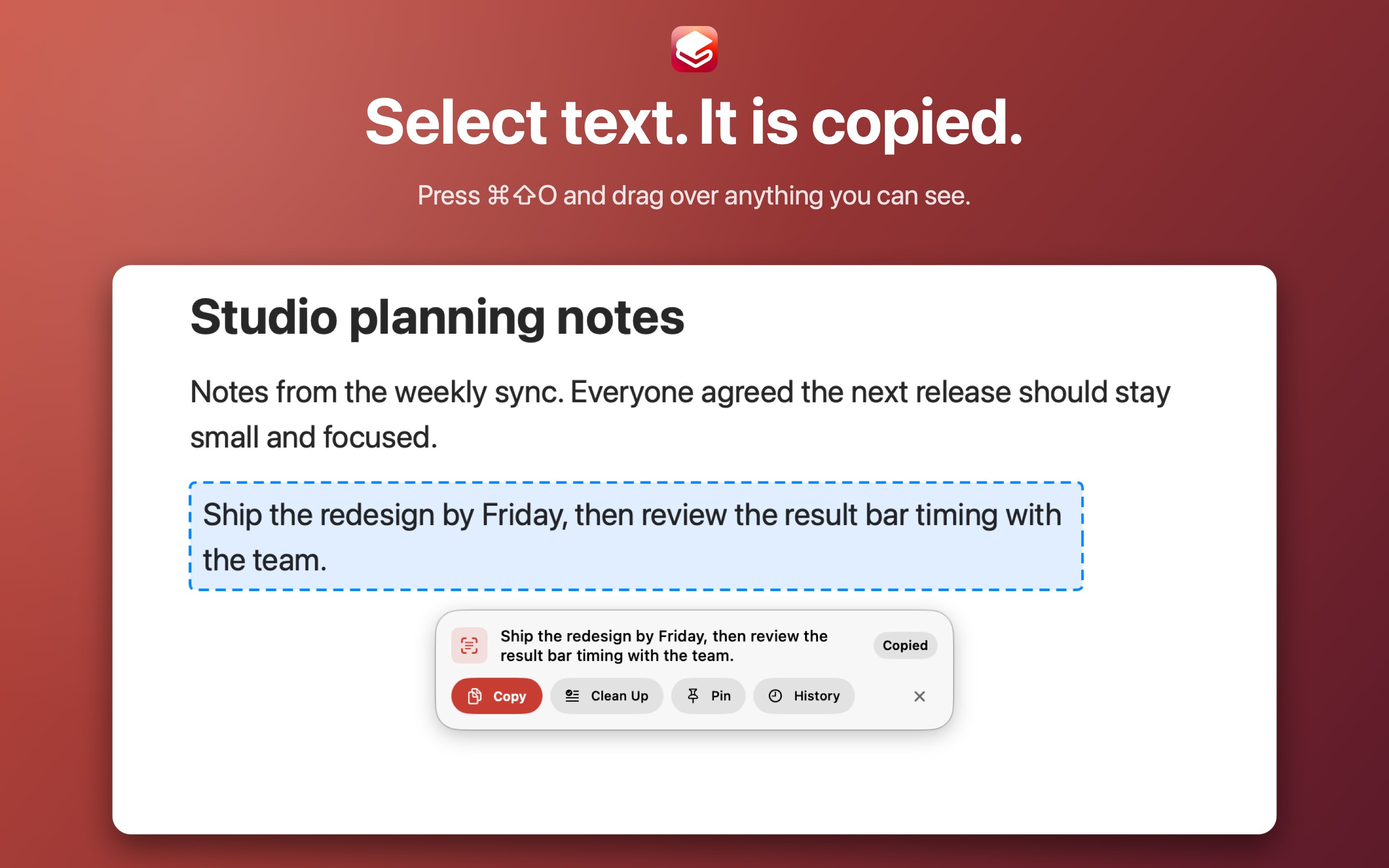
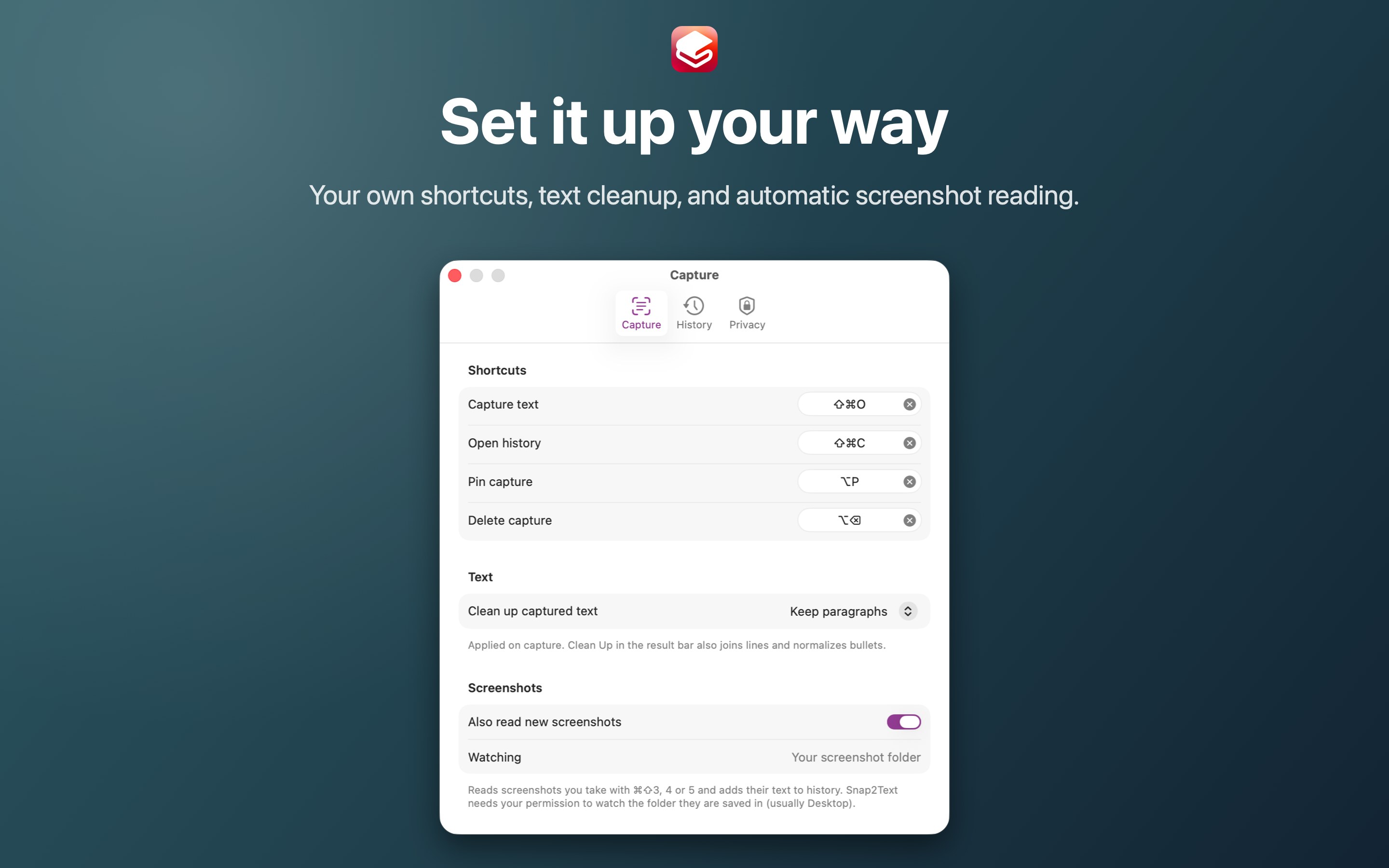
Snap2Text is the fastest private way to capture text from anywhere on your Mac, clean it up, and find it again later. Press ⌘⇧O, drag over any text on your screen, and it is recognized and copied to your clipboard right away.
$4.99
in review, coming soon
One payment, no subscription. For Mac, macOS 14 or later.
This is a Mac app. Open this page on your Mac to get it.
See it
What you get
- Capture text from any region of the screen with one shortcut
- Recognized text is copied to the clipboard instantly, and a small result bar lets you copy again, clean up the text, pin it, or open your history
- Clean Up joins broken lines, removes stray line breaks and tidies bullets
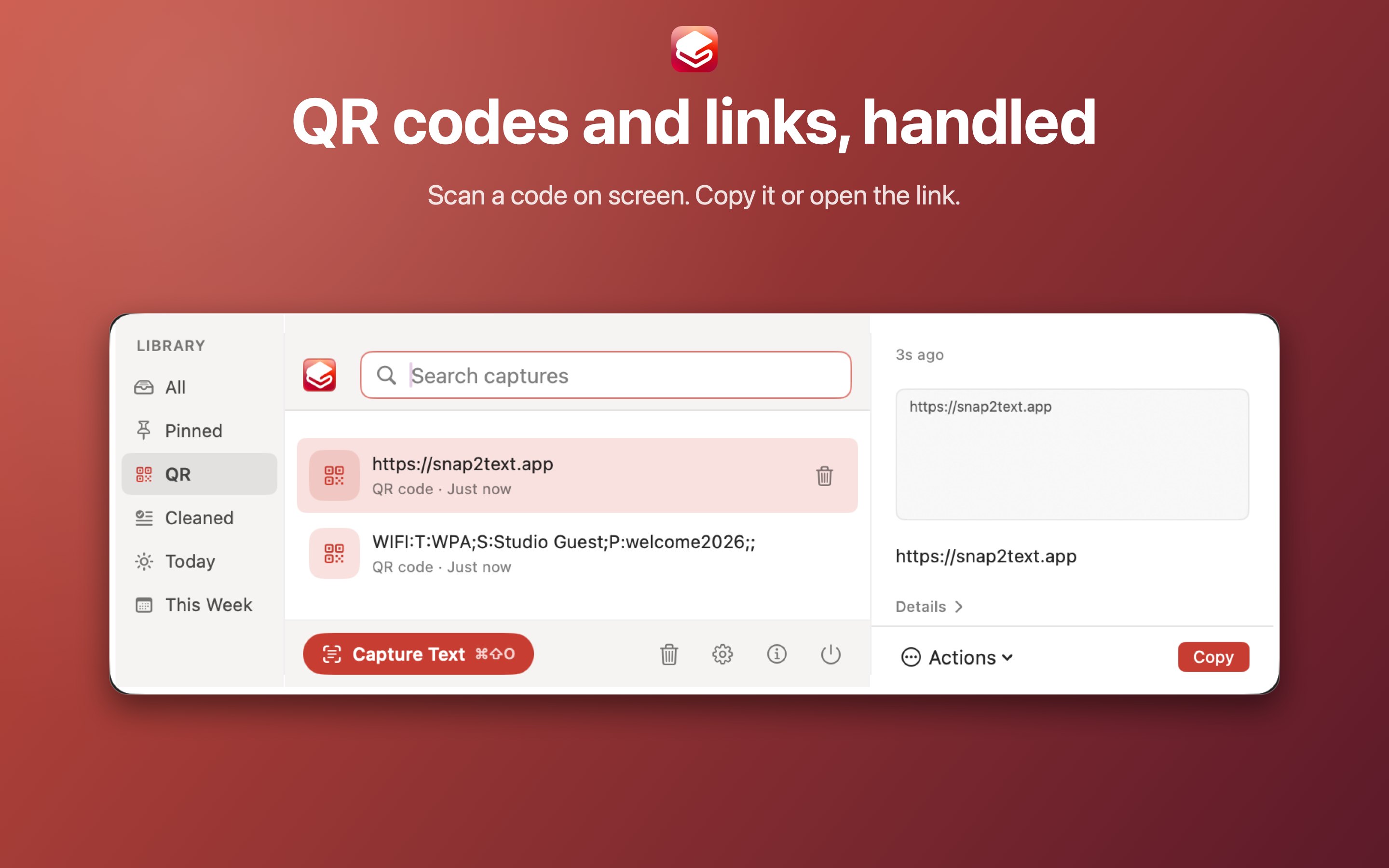
- QR codes and barcodes are read too, with Copy or Open for links
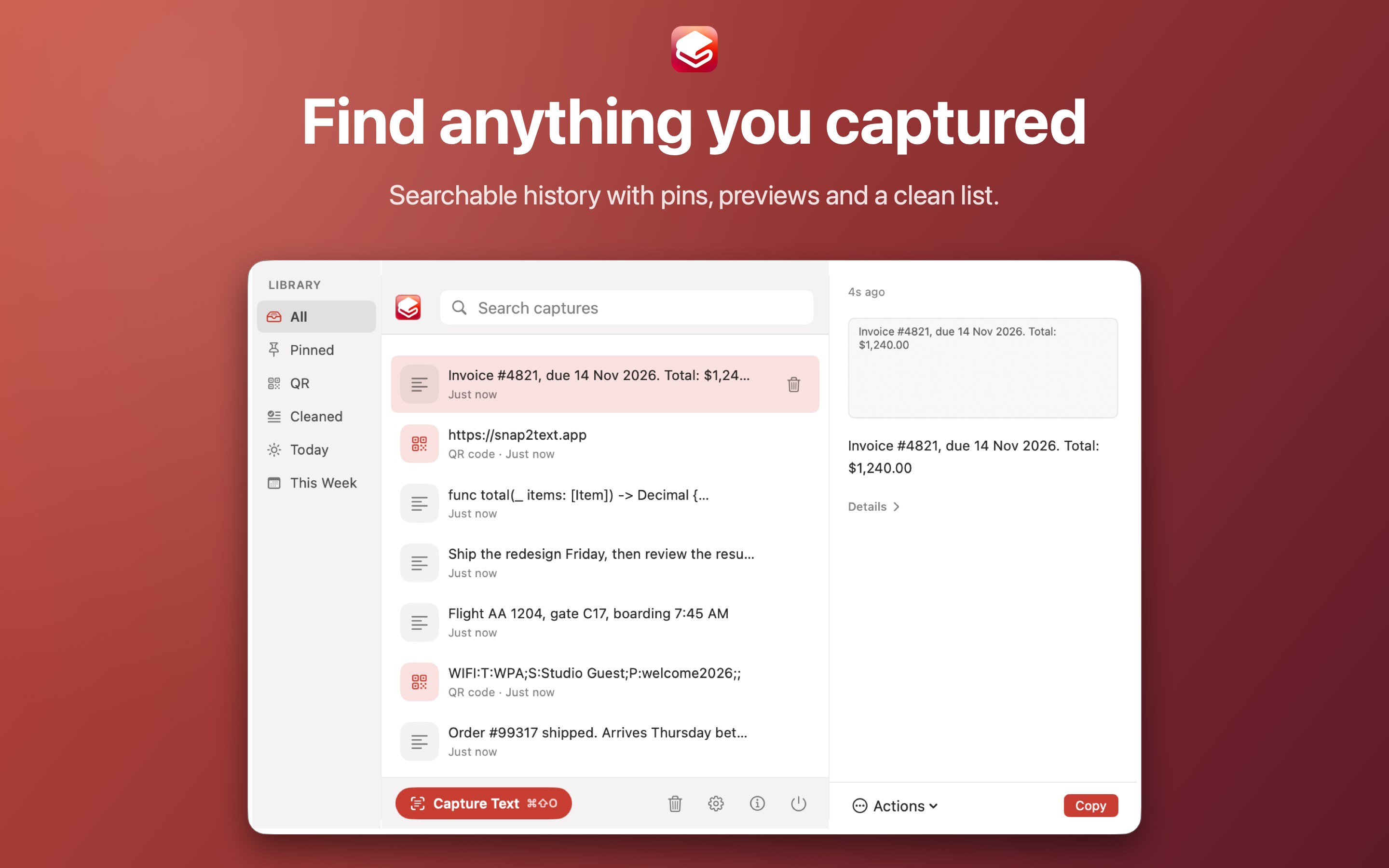
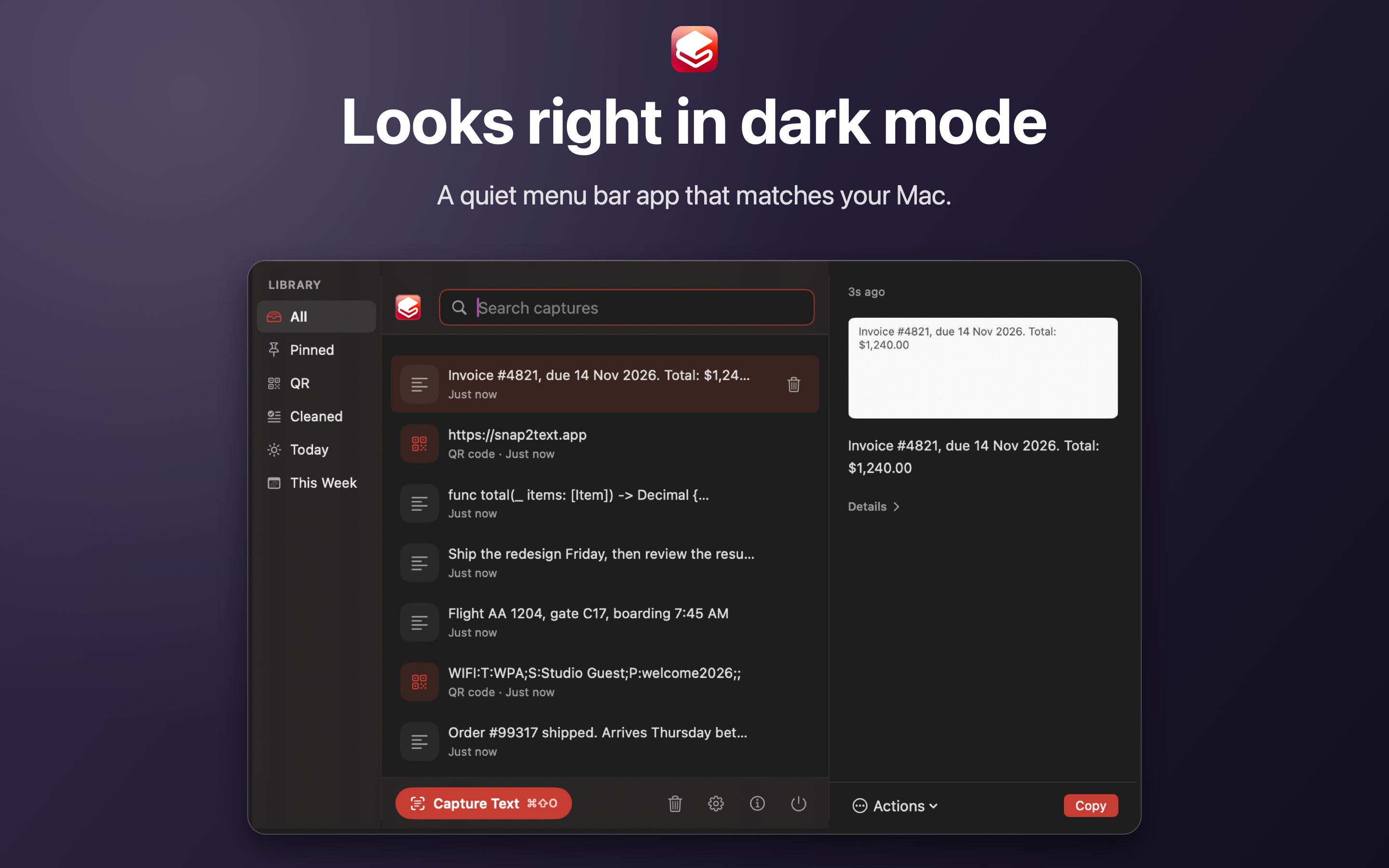
- A searchable history of everything you capture, with pins
- Screenshots you take with ⌘⇧3, ⌘⇧4 or ⌘⇧5 can be read automatically
- Lives in the menu bar and works from the keyboard
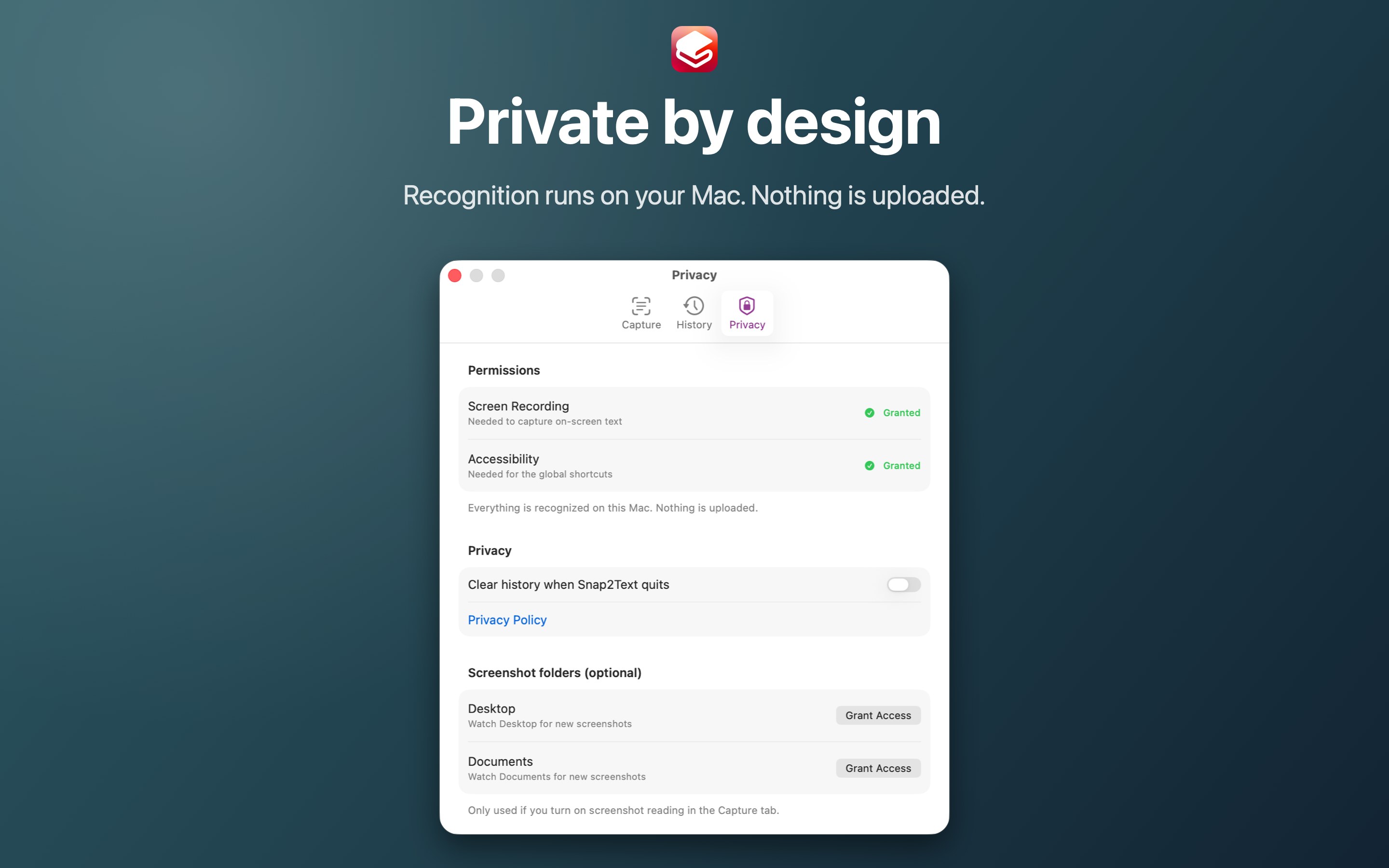
Private by design
- Text recognition runs on your Mac using Apple's Vision framework
- No account, no uploads, no analytics
- Works without an internet connection
Permissions
Snap2Text asks for Screen Recording to capture the region you select, and Accessibility for its global shortcuts. Reading screenshots automatically also needs access to the folder where your screenshots are saved.
On a work Mac
Snap2Text is sandboxed and works offline. It does need Screen Recording and Accessibility, and managed Macs sometimes lock those two settings. If yours does, ask your IT team before you buy.